Setting and Use of Eastriver POS Machine
The ticketing system consumption supports direct card swiping on the POS machine, covering all scenarios!
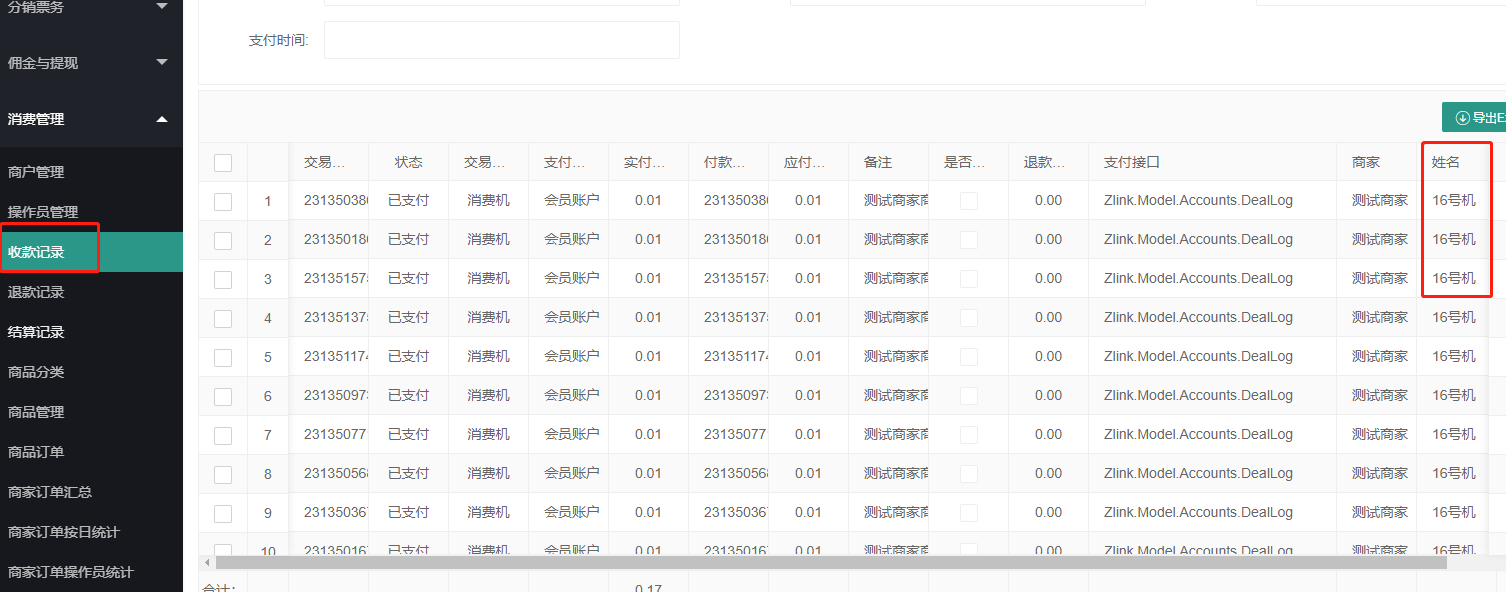
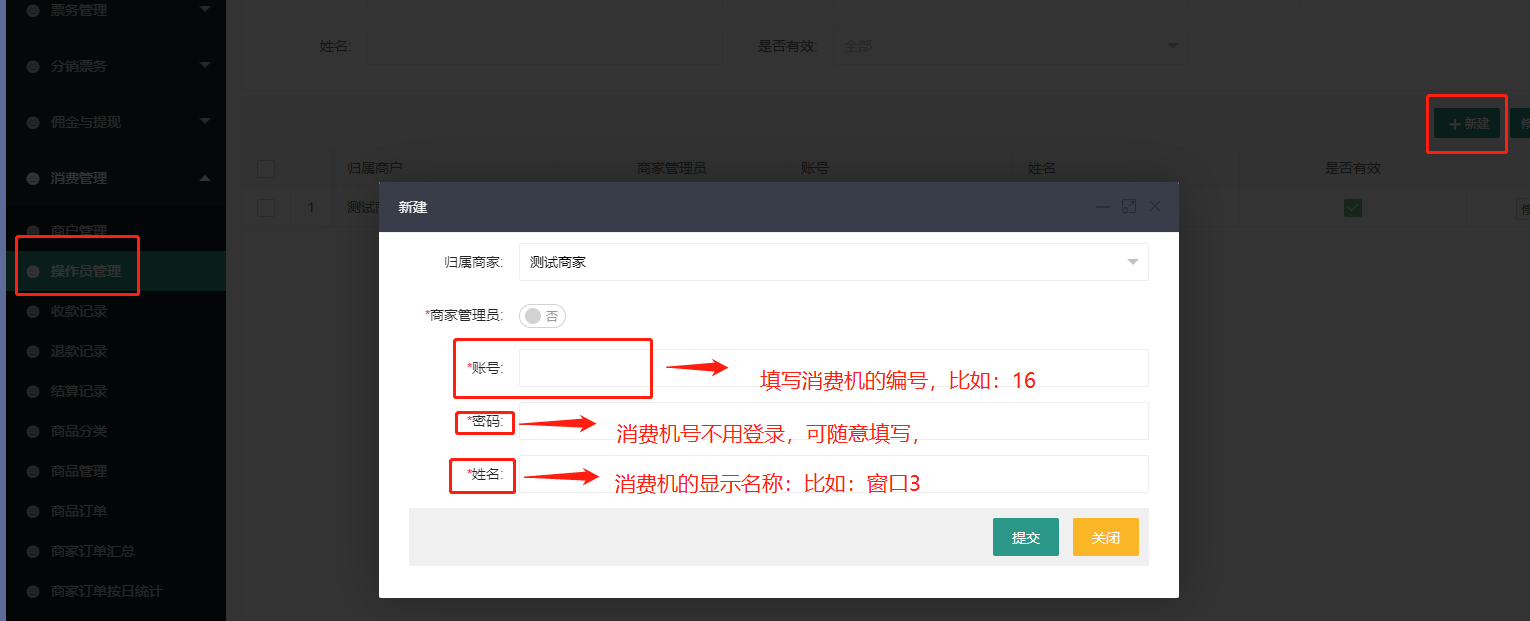
- The transaction of the POS machine will be recorded in the merchant's collection record. To use the consumption fund, first go to the background/consumption management/operator management/new POS machine
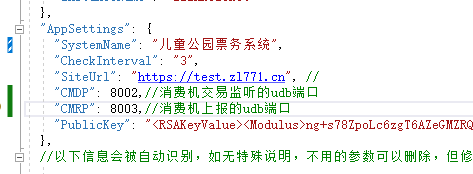
Set the port of the POS machine in the system configuration file appsettings.json
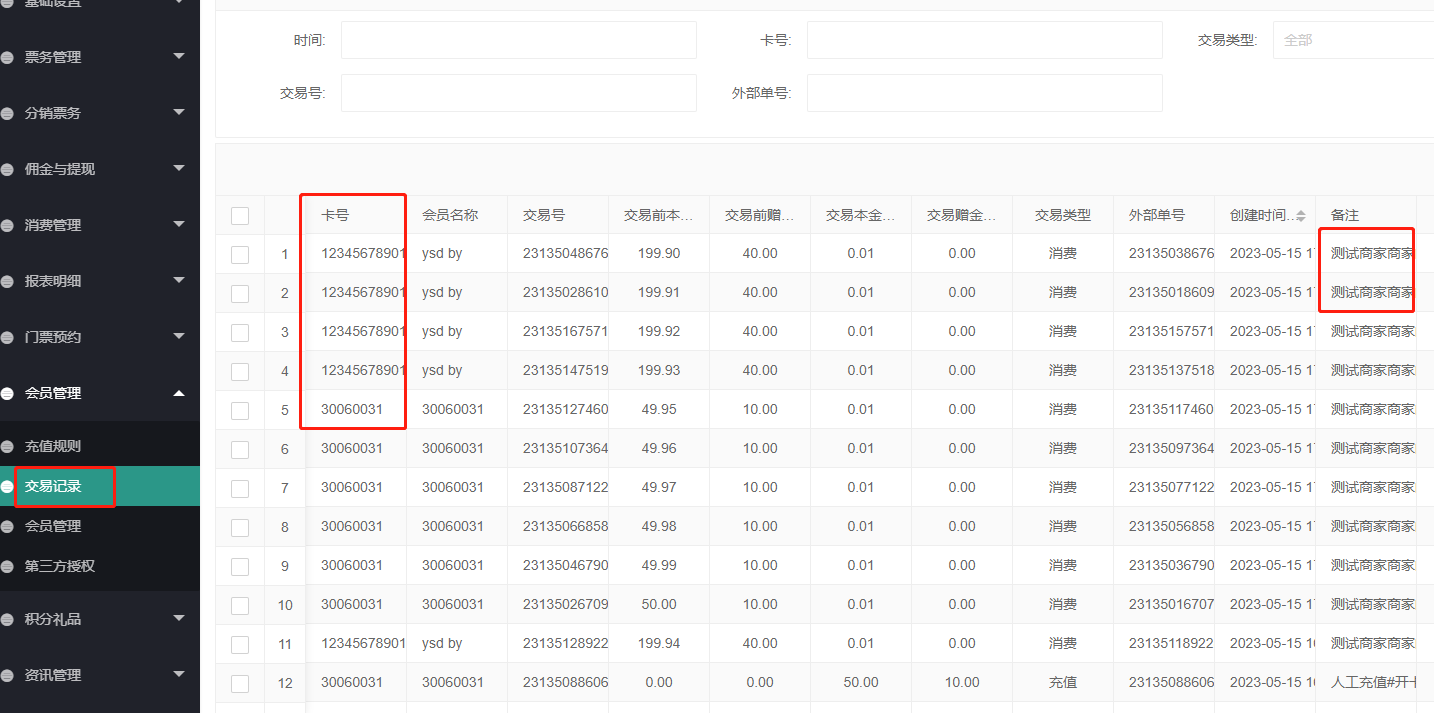
Happy use: a. Swipe the membership card directly; b. Open the applet to enter the consumption fund QR code page and scan the code on the POS machine
The transaction records will be recorded in the relevant reports of consumption management
The merchant's collection record will also show which machine collected the payment