How to hide tickets on the applet
Sometimes we want tickets to be purchased on the applet, but the tickets are not displayed in the list. For example, during channel distribution, the system sets exclusive tickets for each channel. The price of this ticket is much lower than the normal price. After the channel staff gets the QR code of the ticket, they can scan the code for the user to place an order to purchase. If the applet is not set to be hidden, then anyone who enters the applet can purchase channel tickets, which is obviously inappropriate.
Setting steps
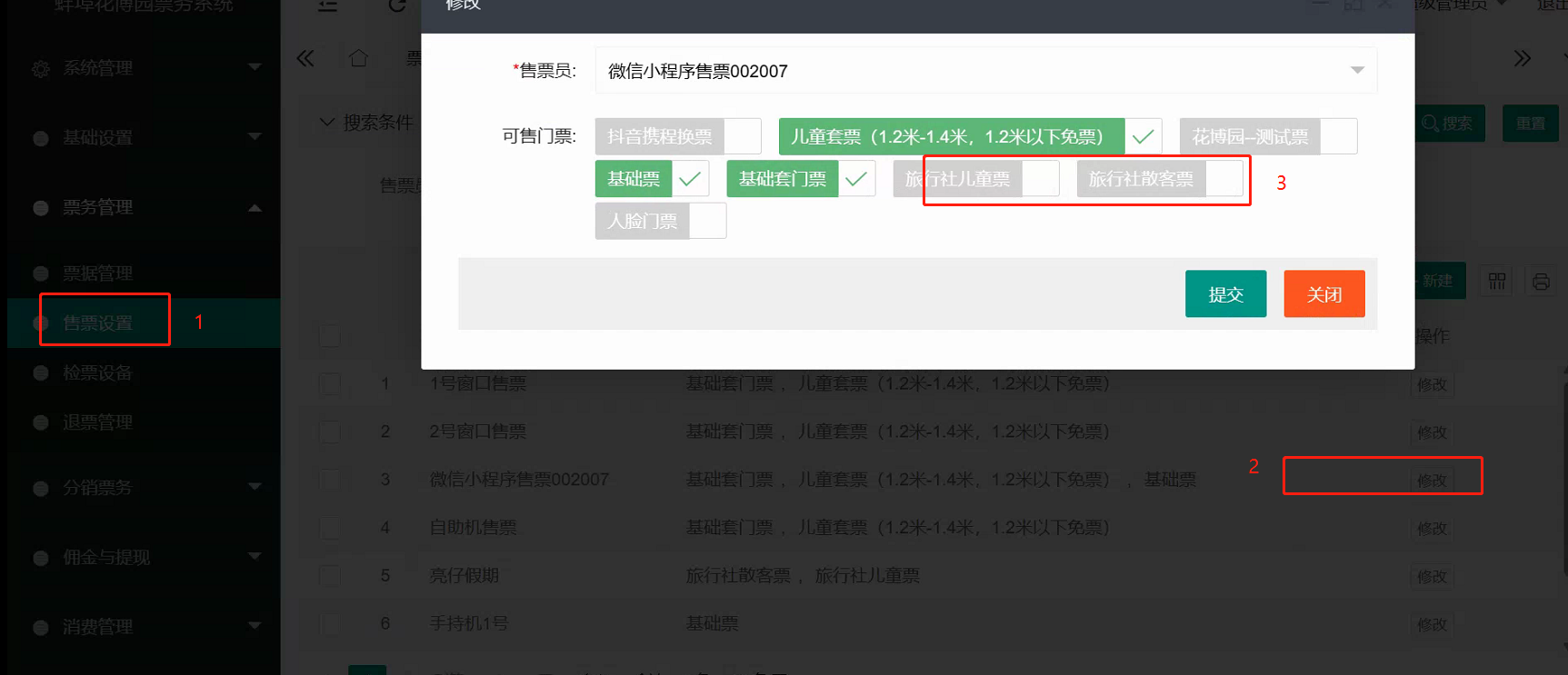
- Put the ticket on the shelves and set it to be sold on the applet.
- In System Settings/WeChat applet
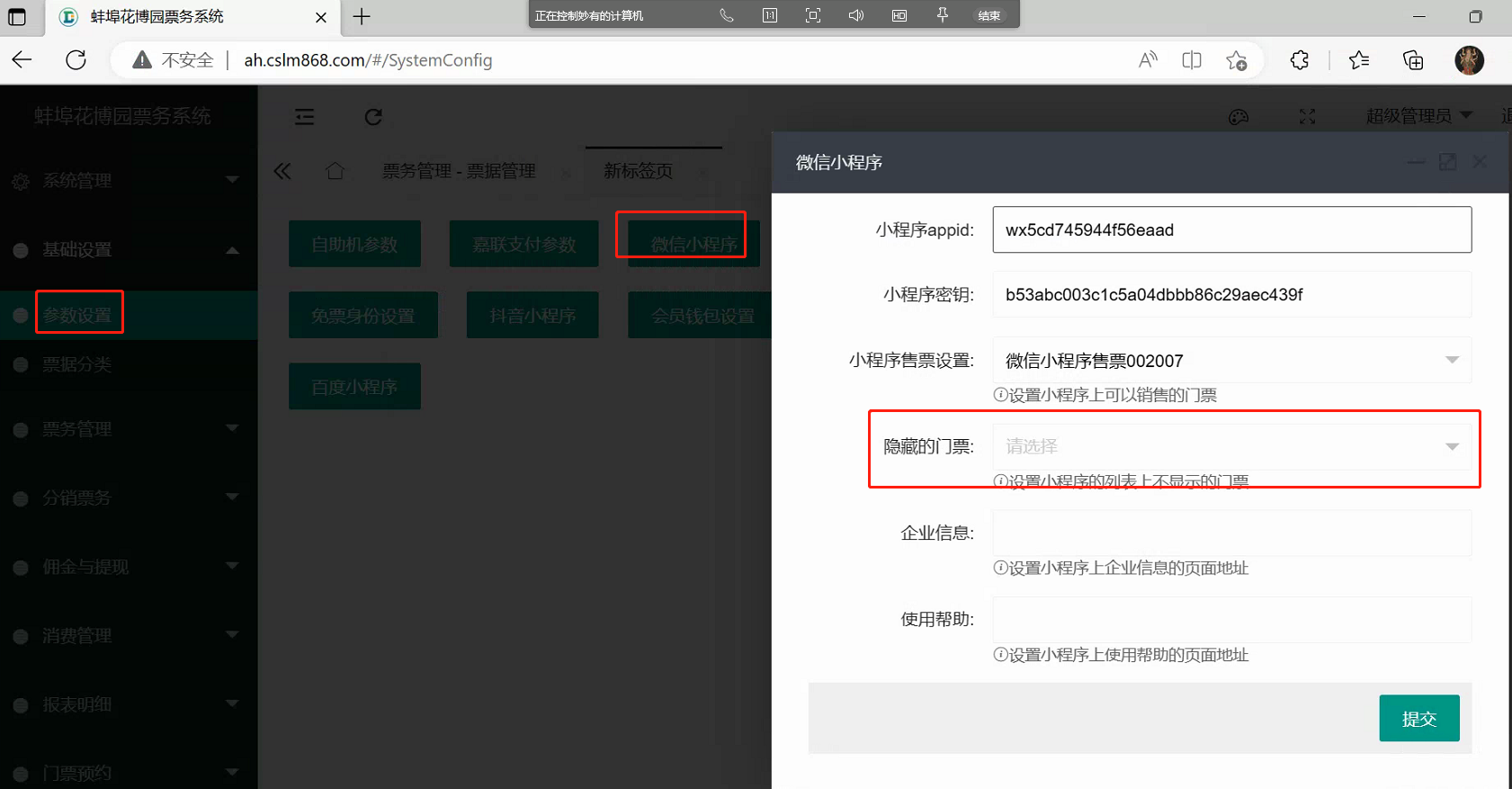
- After this setting, users will not see the ticket when they enter the applet normally. The background administrator will send the applet code of the ticket to the distributor, and the distributor will then give it to the user to scan the code, and the user can see and purchase the ticket.